Why Does Dehumidifier Make Clicking Noise?
Experiencing strange acoustic anomalies from your climate control unit can be alarming. Understanding these mechanical sounds helps prevent permanent equipment failure.

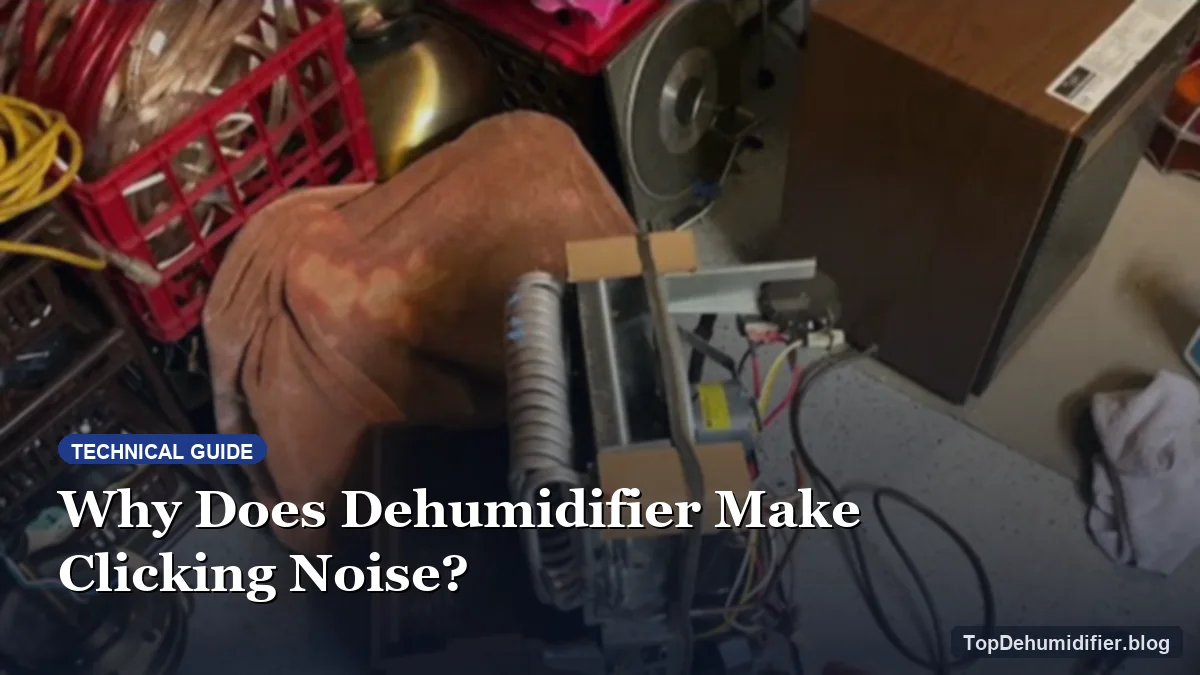
A repetitive clicking noise usually points to a failing humidistat relay or a blocked fan blade. Always unplug the unit before inspecting internal electrical components.
Ready to compare models? Start with our Best Dehumidifier: Top Picks for Basements & Homes.
Practical Quick-Reference Table
| Scenario / Metric | Recommended Target | Why It Matters |
|---|---|---|
| Continuous Relay Click | Stable 50% RH Target | Prevents compressor cycling faults |
| Fan Blade Strike | 0mm Housing Clearance | Stops motor winding burnout |
| Float Switch Tap | Level Drainage Basin | Ensures accurate water cutoff |
| Compressor Overload | Proper Amperage Draw | Protects hermetic pump motor |
| Internal Dust Build | Bi-Monthly Cleaning | Maintains optimal airflow pressure |
| Electrical Voltage | Standard 120V Line | Eliminates relay chatter issues |
Understanding Internal Electromechanical Relay Cycles
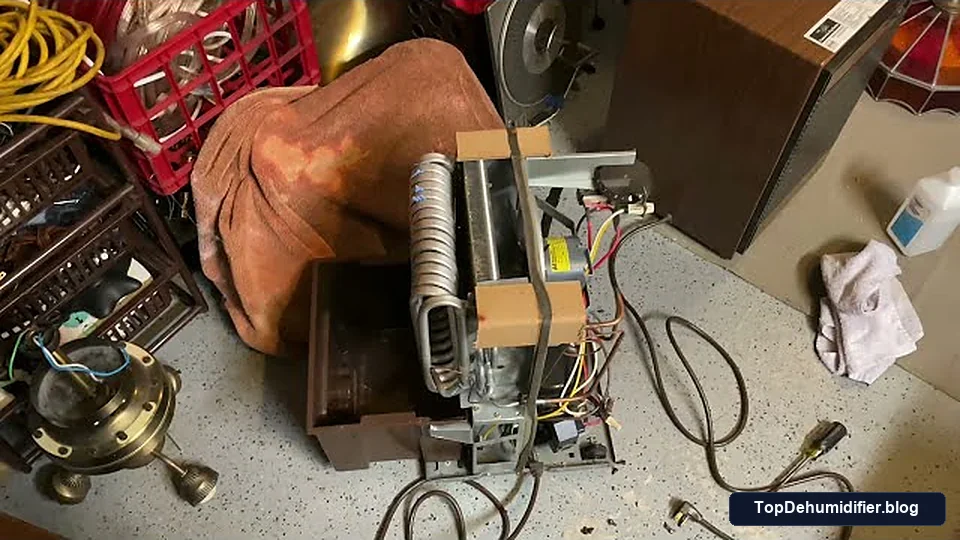
Modern dehumidifiers rely heavily on small electromagnetic relays to regulate power delivery. When your device emits a sharp clicking sound, it often indicates rapid switching behavior inside the primary control board circuit.
This rapid cycling frequently happens when the target humidity level hovers near the ambient room measurement. Understanding appliance differences detailed in our humidifier vs dehumidifier comparison clarifies how moisture sensors operate.
Voltage fluctuations from overloaded household circuits can also force these mechanical switches to chatter continuously. Unstable electrical supply damages sensitive semiconductor components and accelerates physical wear inside the control housing enclosure rapidly.
Checking your wall outlet voltage with a digital multimeter provides immediate insight into power stability issues. Ensuring a dedicated circuit prevents these frustrating relay feedback loops from occurring during heavy operational cycles.
- Monitor household voltage levels regularly using a calibrated digital multimeter.
- Maintain a wider humidity deadband to stop rapid relay switching.
- Inspect control board solder joints for microscopic thermal fatigue cracks.
- Verify dedicated circuit capacity before running heavy compressor units.
Diagnostic Steps for Relay Chatter
Isolate the appliance by plugging it directly into a known stable wall receptacle. Avoid using extension cords that introduce voltage drop and exacerbate relay clicking failures across sensitive internal boards.
Listen closely to determine if the sound emanates from the main display console or lower compressor compartment. Accurate acoustic localization narrows down whether the issue is electronic or mechanical.
- Disconnect power before removing any plastic outer casing panels.
- Observe relay behavior during initial startup and shutdown sequences.
Inspecting Fan Blade Clearances and Motor Bearings
Physical obstructions around the blower wheel frequently generate rhythmic clicking or ticking noises. Dust buildup or warped plastic housing parts can cause blades to strike internal components during high rotation speeds.
Inspect the squirrel cage fan thoroughly for any foreign debris lodged within the scroll housing channels. Obstructed blower wheels strain the permanent split capacitor motor and create repetitive mechanical impact sounds.
Dehumidifier fan motors utilize sealed sleeve or ball bearings designed for long lifespans. When evaluating units in our best dehumidifier guide, check bearing quality to prevent sharp clicking noises.
Manually spin the blower wheel while the unit remains completely unplugged to check for rotational resistance. Smooth, silent movement confirms that your fan assembly and motor bearings are functioning properly without interference.
- Clear all dust clumps from fan blades using compressed air.
- Check motor mounting bolts for secure structural alignment annually.
- Replace worn sleeve bearings showing excessive radial play immediately.
- Ensure protective wire grilles are snapped firmly into place.
Evaluating Blower Motor Alignment
Misaligned motor shafts cause persistent clicking as the rotor rubs against the stator core. Precision alignment during reassembly eliminates these mechanical scraping sounds and restores factory airflow performance metrics.
Tighten all bracket fasteners evenly to prevent torque distortion across lightweight plastic mounting frames. Proper structural tension stops vibration harmonics from transferring through the external casing panels.
- Check shaft end-play using a dial indicator gauge.
- Lubricate dry motor ports with non-migrating machine oil.
Video Walkthrough: Dehumidifier Making Loud Noise. | Dehumidifier Troubleshooting Series. #dehumidifier #uae
Evaluating Water Collection Bucket and Float Switch Mechanics
The water collection bucket assembly houses a magnetic float switch designed to prevent overflow conditions. A loose float lever can tap rhythmically against the plastic reservoir wall, mimicking an electrical clicking noise.
Inspect the bucket cavity to ensure the styrofoam or plastic float moves freely along its vertical guide. Stuck float mechanisms prevent accurate water level detection and trigger false shutoff warning signals continuously.
Mineral scale accumulation around the microswitch pivot point can restrict smooth movement and cause erratic clicks. Cleaning the reservoir basin with a mild vinegar solution dissolves stubborn calcium deposits effectively.
Verify that the drainage bucket sits completely flush within its designated cabinet slot during operation. Uneven seating misaligns the magnetic actuator, causing the safety switch to chatter rapidly against the sensor terminal.
- Wash collection buckets weekly to prevent biofilm and mineral buildup.
- Test magnetic reed switches with a handheld continuity multi-tester.
- Ensure drain hose connections do not pull the bucket sideways.
- Check rubber gasket seals for cracks or compression loss.
Resetting Microswitch Actuators
Microswitches rely on delicate spring arms that lose tension over thousands of operational cycles. Replacing a fatigued microswitch assembly restores crisp electrical contact without audible chatter or intermittent signal dropouts.
Secure all wire spade connectors tightly to prevent loose terminals from sparking and clicking internally. Tight electrical connections safeguard low-voltage control circuits against premature sensor failure and erratic switch behavior.
- Disconnect power before touching microswitch wiring harnesses.
- Verify click actuation point using an ohmmeter continuity test.
Troubleshooting Compressor Overload Protection Relays
Rotary compressors feature internal thermal overload protectors that emit loud metallic clicks during high pressure spikes. If the refrigeration system experiences extreme head pressure, this safety switch cycles repeatedly to prevent burnout.
Restricted condenser coils or failing start capacitors often trigger this thermal protection mechanism during hot weather. Overloaded compressor motors draw excessive current, causing the bimetallic overload switch to snap open and closed.
Listen for a rhythmic click followed immediately by the motor attempting to restart every few minutes. This classic symptom indicates a locked rotor condition or a defective external compressor start relay component.
Clean blocked condenser fins using a soft brush and approved foaming coil cleaner to lower pressures. Restoring proper thermal exchange prevents the overload protector from repeatedly clicking during extended operating hours.
- Measure compressor startup amperage draw with a clamp meter.
- Inspect run capacitors for bulging cases or leaking dielectric fluid.
- Keep intake grilles unobstructed to maximize ambient airflow volume.
- Allow warm units to cool before initiating rapid power cycles.
Testing Compressor Start Components
The external start relay uses a small ceramic disc or plunger to engage winding circuits. A cracked internal disc rattles audibly and prevents the compressor motor from turning over successfully during startup.
Shake the relay component gently to listen for loose internal fragments indicating thermal destruction. Replacing damaged start relays restores normal compressor operation and eliminates persistent metallic clicking sounds instantly.
- Test compressor winding resistance values across terminal pins.
- Discharge capacitors safely before handling electrical control parts.
Calibrating Humidistat Sensors and Electronic Control Boards
Digital humidistats measure relative humidity to determine precise compressor engagement and shutdown schedules. Faulty humidity sensors send erratic digital signals to the microprocessor, resulting in rapid relay switching and audible clicking.
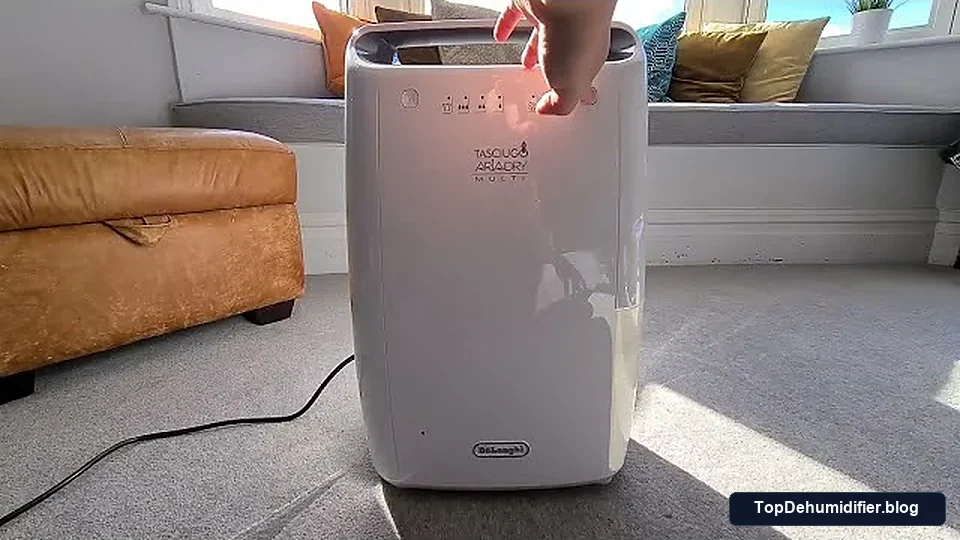
Calibrating your onboard electronic controller ensures stable operation without unnecessary switching stress on internal components. Accurate sensor calibration prolongs equipment life and eliminates annoying control panel noise patterns during damp seasons.
Dust accumulation on capacitive humidity sensors skews readings and confuses the primary logic control unit. Gently wiping the sensor probe with isopropyl alcohol restores accurate ambient moisture tracking capabilities across all operating ranges.
Firmware glitches on advanced control boards can also cause repetitive command loops and relay chattering. Resetting the appliance by disconnecting main power for ten minutes clears temporary memory corruption issues effectively.
- Keep sensor probes away from direct airflow restriction zones.
- Verify humidity readings against a calibrated analog hygrometer tool.
- Protect control boards from excessive moisture and condensation buildup.
- Update firmware parameters if supported by the manufacturer specifications.
Managing Sensor Hysteresis
Hysteresis settings prevent rapid compressor cycling by creating a buffer around target humidity levels. Adjusting this deadband wider stops the control board from sending conflicting switching signals during humid weather conditions.
Consult your technical manual to access advanced hysteresis programming options. Proper deadband configuration reduces wear and ensures quiet operation, much like the models recommended in our best dehumidifier for basement selection.
- Set humidity targets between forty and fifty percent.
- Monitor cycle times to ensure adequate moisture removal rates.
Video Walkthrough: Dehumidifier - sound
Executing Safe Preventative Maintenance and Hardware Checks
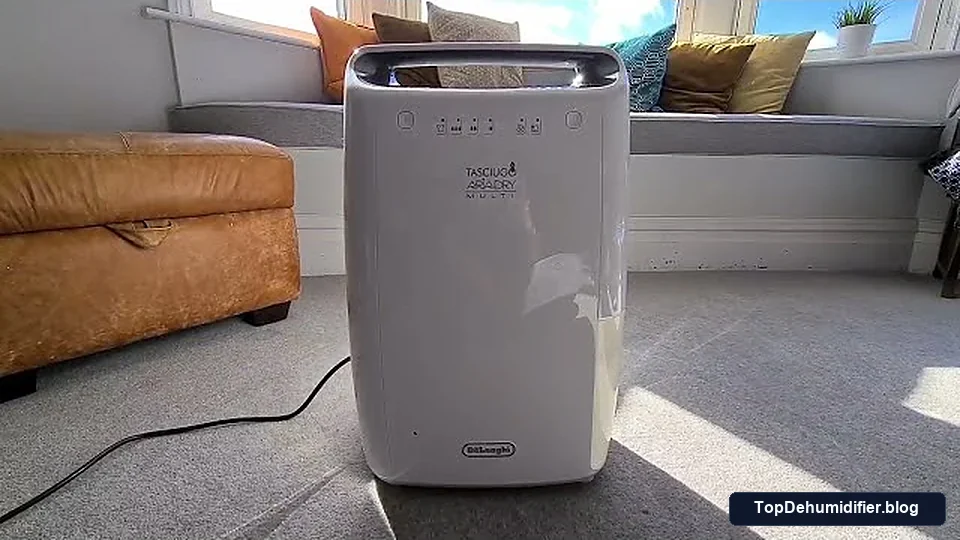
Routine maintenance prevents most mechanical and electrical clicking noises from developing inside portable climate units. Establishing a consistent cleaning schedule protects delicate moving parts and ensures long-term operational reliability without unexpected failures.
Vacuum internal dust compartments and wash air filters monthly to maintain proper thermal dissipation metrics. Clean cooling coils prevent excessive pressure spikes that trigger loud compressor overload relay clicking safety mechanisms.
Inspect all structural fasteners and cabinet screws to eliminate sympathetic vibration rattles during high-speed runs. Tightening loose housing panels dampens operating noise significantly and preserves the overall structural integrity of the chassis.
Store your equipment in a dry, climate-controlled environment when seasonal humidity levels drop significantly. Proper storage prevents corrosion on delicate electrical contacts, avoiding future relay switching failures and annoying acoustic anomalies.
- Inspect power cords for fraying or insulation damage regularly.
- Flush condensate drain lines with a biocide solution monthly.
- Check caster wheels for smooth rotation and secure mounting.
- Test safety shutoff features before extended storage periods.
Professional Safety Inspection Protocols
Certified technicians utilize specialized tools to evaluate high-voltage refrigeration systems safely. Before scheduling service, use our pint capacity calculator to confirm your unit matches your exact room dimensions.
Never attempt to service sealed refrigerant lines or high-voltage capacitor circuits without proper training. Safety compliance protocols protect your warranty coverage and prevent severe electrical shock hazards during equipment maintenance.
- Verify ground continuity across all metal housing components.
- Test insulation resistance values on compressor motor windings.
Frequently Asked Questions
Why does my dehumidifier click continuously without starting?
This persistent clicking noise typically indicates a failing compressor start relay or a locked internal motor rotor struggling against high pressure. Replacing the external overload relay and checking circuit voltage will usually restore normal compressor operation quickly.
Can a dirty air filter cause a dehumidifier to click?
Restricted airflow across dirty coils causes extreme pressure spikes that trip the internal compressor overload protector repeatedly. Cleaning or replacing clogged air filters eliminates these loud metallic clicking noises and protects your equipment.
Is a clicking dehumidifier safe to keep running?
Running a device with continuous relay clicking or mechanical fan strikes can cause permanent electrical or motor damage. You should unplug the unit immediately and inspect internal components before attempting further operational cycles.
How do I fix a clicking water bucket float switch?
Mineral scale and misaligned reservoirs frequently cause the magnetic float lever to tap rhythmically against the plastic housing walls. Cleaning the collection bucket thoroughly and repositioning the sensor arm will stop this annoying sound.
Why does the clicking happen right when humidity targets are met?
When room humidity hovers near your setpoint, the electronic humidistat rapidly toggles the internal power relay switch. Widening your target humidity deadband prevents this annoying rapid switching behavior and extends component lifespan.